
Version 7: Accounts, My Library & More
November 5, 2026
Hello! This is Thomas, the developer of temperature-blanket.com. Version 7 is a big update. Here's the short version:
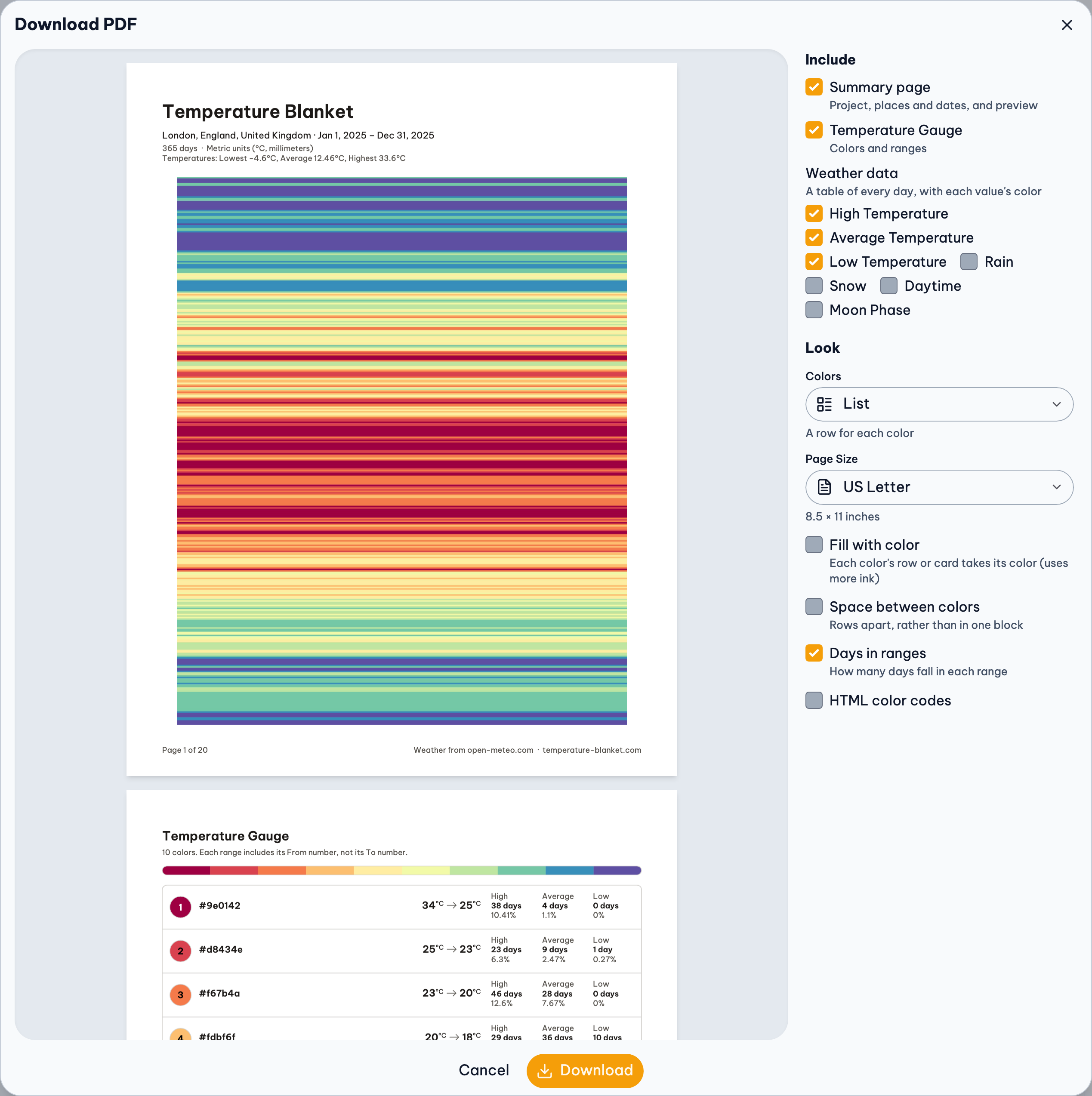
- Added: optional accounts, so your projects and palettes are on every device; My Library; posting projects to Ravelry; gallery pages you can update; stars; weather you can check for updates; colors from a photo; palette images; and a new PDF.
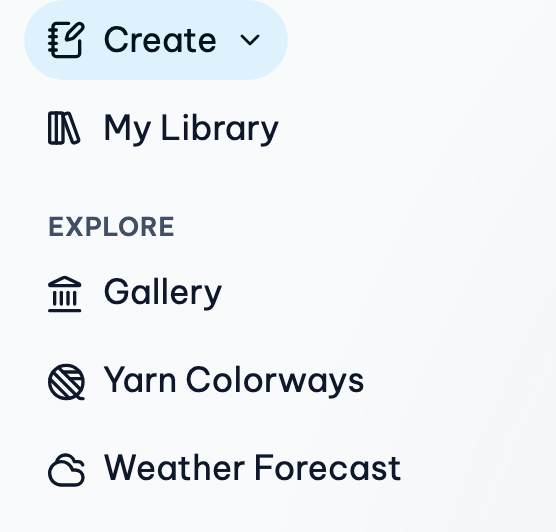
- Changed: a simpler site menu, new ways to edit colors and ranges, projects that save by themselves and keep their weather, and gallery projects that open with theirs.
- Removed or fixed: publishing to the gallery now needs an account, and a bug with overlapping ranges is fixed, which may change some previews.
What's New
Accounts
Sign in with Google from the person icon in the top right. Your projects, palettes and preferences are then on any device you sign in on. The first time, you choose which projects and palettes already in your browser to add. Your account starts with a made-up display name, so your real name is never shown unless you choose it. Accounts are optional (see Saving below for the difference).
My Library
Everything you've saved, projects and palettes, in one place near the top of the site menu, with or without an account. Name your projects, see them as cards or a list, and filter them. Deleted projects and palettes go to a Trash for 30 days, so you can put them back. Find it at My Library.
Gallery pages you can update
If you choose to publish a project or palette, it gets one gallery page, showing your display name or anonymous. When you make changes, choose Edit Gallery Page to update it, with the same link and the same views. Pages that show your name are collected on Your Gallery, and a page follows its project into the Trash and back.
Post to Ravelry
Connect your Ravelry account on your Account page, then choose Also post to Ravelry when you publish a project or edit its gallery page. Your project is added to your Ravelry projects with its preview, its yarns and a link back to its gallery page. You can add photos of your project, in progress or finished, here or on Ravelry, and they show on its gallery page too. Palettes can't be posted to Ravelry (yet).
Stars
Star other people's projects and palettes to find them again under Starred in My Library. Only you see your stars.
Weather you can keep up to date
A saved project now keeps its weather. Opening it never looks the weather up again by itself, so your colors stay the way you planned them. When you want newer weather, press Check for Updates on the Location step. New days are added, and if the weather source has since refined any past days, you see how many would change color and choose whether to update them. Days you keep as they were are marked in the weather table.
The weather table has filters (like missing days, or the days in one color), and View › Show Colors puts each value's color beside it. Edit Weather Data works like a spreadsheet: type or paste values, select several days to add to or take away from them all, fill in missing days, or import your own readings from a CSV file.
Colors from a photo
Get Colors › From an Image has been rebuilt. Tap your photo where you want a color, draw a line across it to take the colors along it, or let Auto pick colors for you. Choose a yarn, and each color is matched to its closest colorway. Your photo stays on your device and is never uploaded.
Palette images
Save a palette as a picture. Find it in the Yarn Palette Creator's Palette menu under Download, or for a gauge's colors in the Project menu under Palettes.
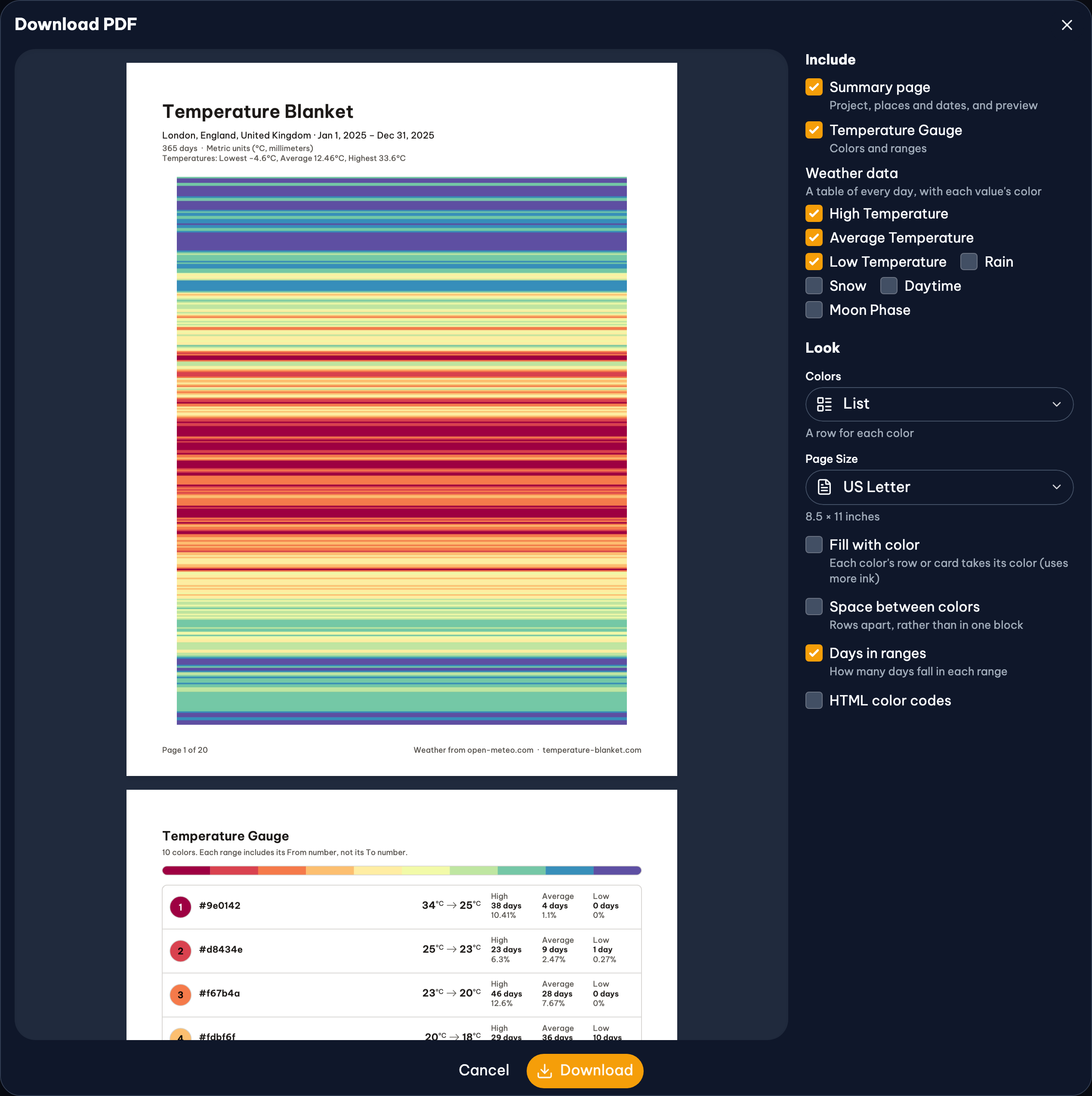
A redesigned PDF
The PDF has been redesigned to match the site, and you choose what goes in it.
What's Changed
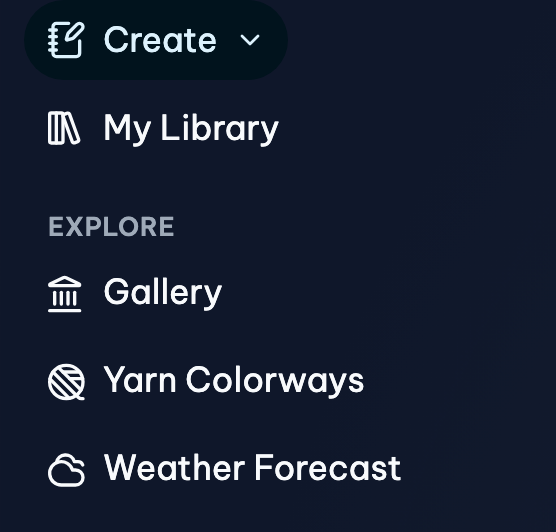
A simpler site menu
Ranges are now edited right in the gauge.
Saving
Save a project once with Save in the top bar, and after that your changes save by themselves.
- Without an account, projects and palettes are saved in this browser only, as before. Copy a project's link to keep a backup or to open it somewhere else.
- With an account, they're also saved to your account, so they're on every device you sign in on. You can also publish to the gallery, star pages and post to Ravelry.
Gallery projects keep their weather
Opening a copy of a project from the gallery now loads the weather it had when it was published, so you see the project as its maker did, even if the weather source has since changed its numbers. This works for pages published or updated since January 2026. If the project was still in progress, the days since are there to add with Check for Updates. If it's your page, Edit Gallery Page saves your project's latest weather to it.
And many smaller changes
Including:
- a Preferences page with theme previews, a default yarn that's chosen first wherever no yarn is chosen yet, and Reduce Motion
- the Project Gallery opens sorted by Popular (the most viewed this month, or day, week or year), shows how many times each project has been viewed, and shows a project's name above its places and dates
- ranges are written the same way everywhere (From → To), with which ends each range includes said once above them
- Paste Colors reads lists of color codes more forgivingly, and palettes can be sorted from warm to cool
- adding a color before or after another
- dialogs that open from the bottom of the screen on phones (drag one down to close it)
What's Removed or Fixed
Publishing to the gallery needs an account
Before, anyone could send a project to the gallery. Now you'll need to sign in, so each page has an owner who can update it, hide it or take it down. Pages already in the gallery stay there.
Overlapping ranges, fixed
In earlier versions, if you typed in ranges that overlap, a day that fit two ranges took the color of the last one, instead of the first (highest), as the documentation says. That bug is fixed, so if your ranges overlap, some days in your preview may change color. Most projects aren't affected. Day counts still include every day in each range. Also fixed: with Low to High and Neither, a range included its To number. More in the documentation.
Version 6, if you need it
If something doesn't work for you, Version 6 is still at archive-v6.temperature-blanket.com. To open a project there, add archive-v6. before temperature-blanket.com in its link. Projects saved only in your browser don't show up there, so copy the project's link first.
Your Privacy
Your data is never sold or used for ads.You can download everything or delete your account at any time from your Account page. Gallery pages are public. The Privacy Policy has been rewritten to be clearer, and has the details.
Feedback
Thank you to everyone who uses the site and shares ideas. Many of these changes came from you! If you have feedback or run into any issues, please let me know through the contact page. Thank you!